Roblox Thumbnail Size & CTR Guide (1920x1080)
Nov 20, 2026 RoArtLab Editorial
Exact 16:9 Roblox thumbnail dimensions, focal-point framing, and contrast rules that lift game discovery click-through rates.
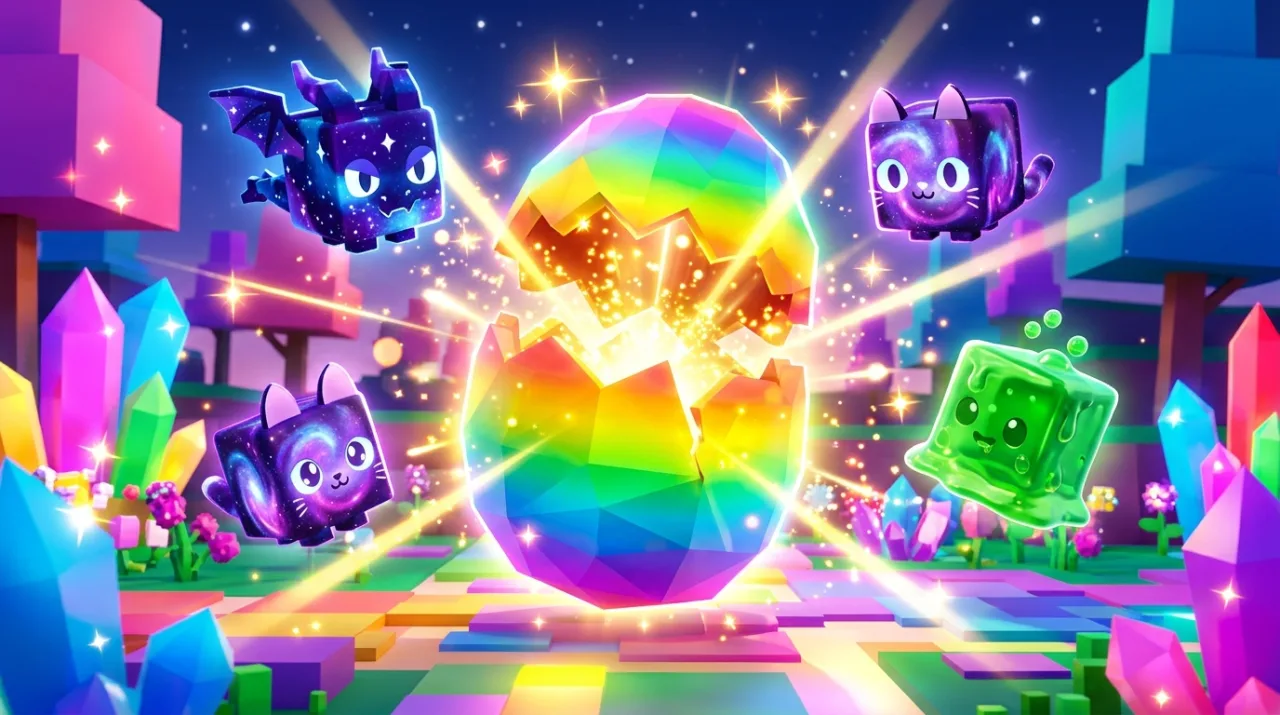
Your Roblox thumbnail is the first thing players see on Discover, Sponsored tiles, and Home Recommendations. Before anyone tests your gameplay loop, your 16:9 frame has less than one second to earn the click.
Official 16:9 Thumbnail Specifications
- Recommended resolution:
1920 x 1080pixels (16:9 aspect ratio) - Minimum accepted size:
512 x 288pixels - File formats: PNG or JPG under Roblox Creator Hub upload limits
- Safe margin: Keep faces, weapons, and action props inside the central 80% so mobile crops never clip the hero subject.
Three Composition Rules That Lift Click-Through Rate
- One unmistakable hero subject: Place one dominant character or boss near the center-left or center-right third. Crowded scenes turn into visual noise on phones.
- Foreground vs. background contrast: Pair bright rim lighting around your blocky character against a darker or softer depth-of-field environment.
- Clear genre signaling: Simulator thumbnails perform best with oversized rewards, pets, or rare loot; Anime action games win with dynamic slash arcs and intense eye-line direction.
Testing Variants Fast
Top studios rotate 2 to 4 thumbnail concepts during launch week and keep the highest-CTR winner. With our Roblox Thumbnail Maker, you can iterate lighting, genre presets, and character angles in seconds, then verify framing with the free Roblox Thumbnail Size Resizer instead of waiting hours for manual 3D renders.