Designing High-Converting Roblox Gamepass Icons
Nov 16, 2026 RoArtLab Editorial
Best practices for transparent PNG gamepass emblems, VIP crowns, and consistent store icon sets that boost Robux conversion.
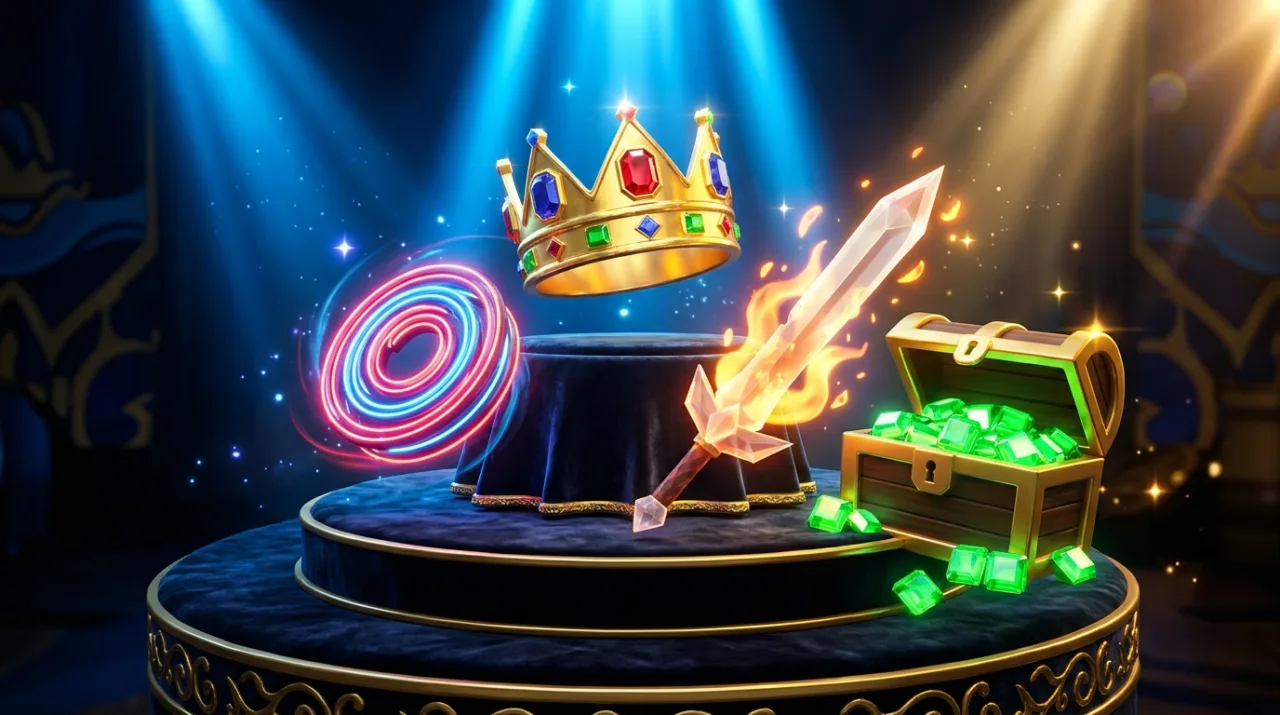
Players decide whether a Gamepass is worth their Robux in a few seconds inside your in-game shop and Store tab. Clean, consistent 1:1 emblems make perks look genuinely valuable.
Circular Crop Awareness
Roblox displays Gamepass icons inside circular frames on the Store tab. Always center your crown, sword, boost lightning bolt, or pet silhouette with generous padding around all four edges so nothing important gets clipped by the circle mask.
Visual Hierarchy Across Tiers
- Starter / Speed boosts: Clean single-color silhouette with bold bevels.
- 2X Coins / Multiplier passes: High-contrast gold + electric blue accents.
- VIP / Ultimate tiers: Detailed layered emblem (crown, gems, metallic rim) that visually justifies a premium Robux price.
Exporting clean transparent PNGs lets you drop the exact same icon straight into your Roblox Studio GUI shop buttons and Creator Hub Store page.