Roblox Game Icon Checklist (512x512 Square)
Nov 18, 2026 RoArtLab Editorial
How to craft readable 1:1 Roblox game icons that stand out on mobile grids, plus when to add Update badges.
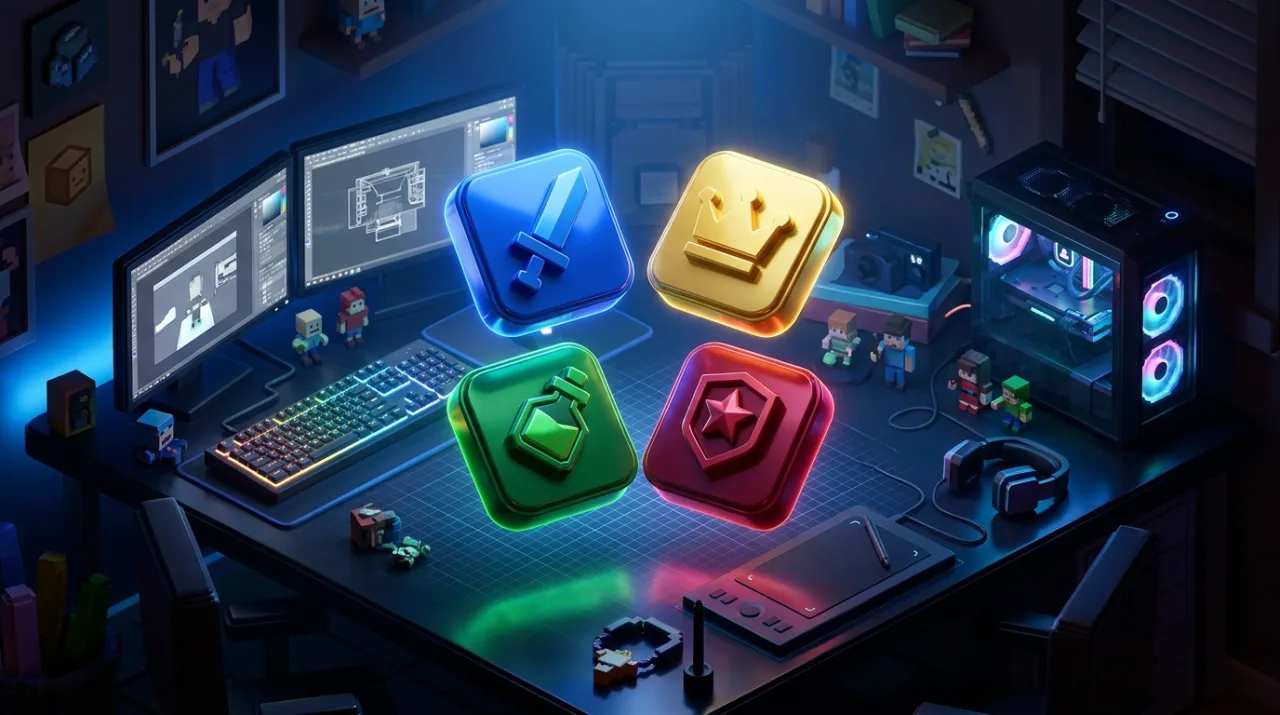
Unlike wide 16:9 thumbnails, your Roblox game icon renders as a compact square across search results, friend lists, and mobile discovery carousels.
The 64px Readability Test
Shrink your 512 x 512 icon down to 64 x 64 pixels before uploading. If you cannot instantly recognize the character pose and genre at thumbnail size, simplify the scene:
- Zoom closer on the main blocky avatar or emblem.
- Remove tiny text or thin outlines that blur on mobile screens.
- Limit the palette to 2 primary hues plus 1 bright accent.
Signaling Fresh Updates
When you ship a seasonal event, 2X currency weekend, or major map release, adding a crisp corner badge (UPDATE, NEW, or 2X) immediately tells returning players something changed without redrawing your entire icon from scratch.