How to Make a Roblox Group Logo Look HD
 RoArtLab Editorial
Stop blurry Roblox group icons. Learn exact 512x512 export specs, PNG anti-compression tips, and how to craft razor-sharp 3D group logos.
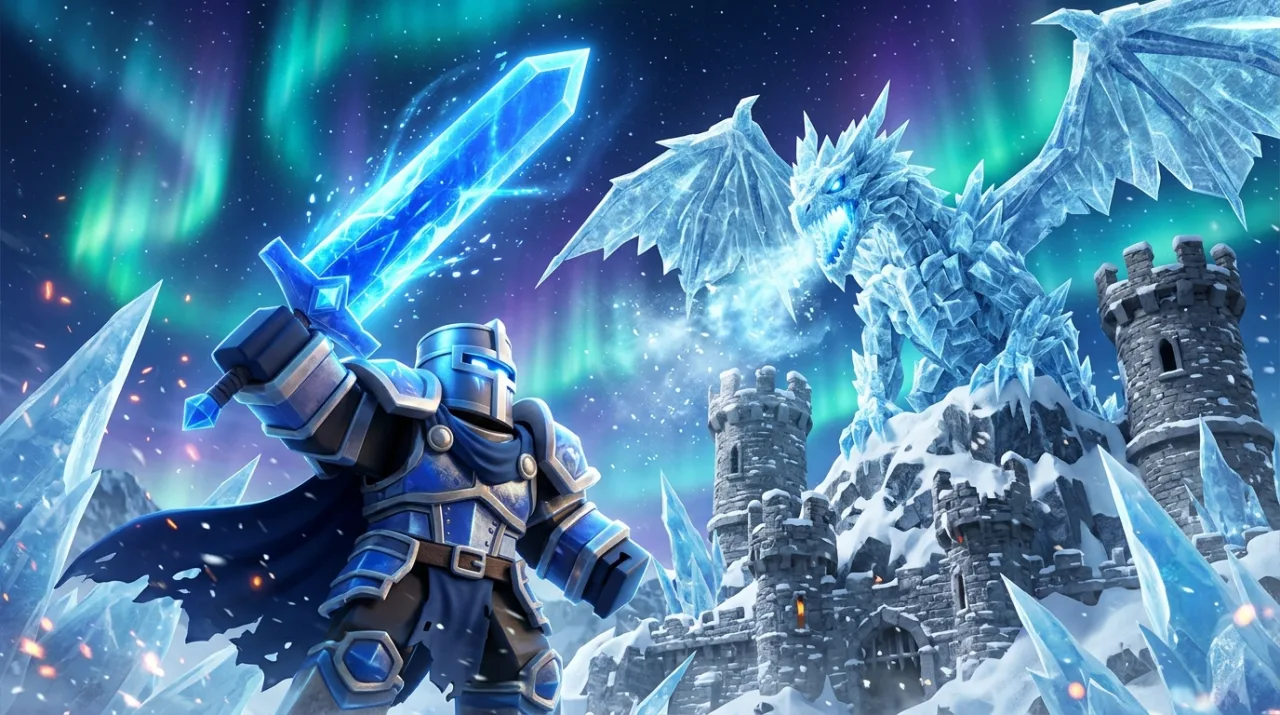
Nothing hurts a Roblox studio or clothing group's credibility faster than a blurry, pixelated group emblem. Even if your artwork looked crisp inside Photoshop or Canva, Roblox automatically re-compresses and downscales group icons across profile pages, search results, and mobile menus.
Follow these 5 proven HD export rules so your Roblox group logo stays razor-sharp at every display size.
1. Export at Exact Square Dimensions (512×512 or 1024×1024)
Roblox displays group emblems in a 1:1 square (usually rendered between 48px and 150px, up to 420px in high-DPI views).
- Do not upload rectangular banners — Roblox stretches or crops them aggressively.
- Upload lossless PNG (never compressed JPG) at 512×512 or 1024×1024 pixels so Roblox's server starts from the cleanest master pixels possible.
- You can re-frame and export an exact 512×512 or 1024×1024 PNG locally in seconds using our free Roblox Thumbnail & Icon Size Resizer.
2. Avoid Ultra-Thin Lines and Small Subtitle Text
The #1 cause of "blurry" Roblox group logos is actually over-detailed artwork shrinking down to 64×64 pixels on phones:
- Keep strokes bold and chunky (at least 4% to 6% of canvas width).
- Stick to one bold emblem or 1 to 2 short words — skip taglines like "Est. 2026 Official Clothing Studio".
- Use strong foreground-to-background contrast (for example, bright gold or electric blue crest on a deep obsidian backdrop).
3. Keep Safe Padding Around the Edges
Roblox rounds the corners of group icons across web and mobile apps. Keep your crest, wings, or lettering inside the central 84% of the square so sharp corners never get clipped off.
4. Upscale Low-Res Drafts Before Uploading
If your current group icon was saved from a tiny screenshot or old Discord avatar (128px or 256px), simply stretching it makes it muddy. Instead:
- Generate a fresh crisp 3D crest or typography emblem in our AI Roblox Logo Maker.
- Use 4K Upscale inside RoArtLab Studio to sharpen bevels, metallic edges, and rim lighting before downscaling cleanly to 1024×1024 PNG.
- Need a transparent group emblem for game UI or YouTube banners too? Click Remove BG in Studio for a genuine alpha-transparent PNG cutout.
5. Refresh Browser Cache After Updating Your Group Icon
After uploading your new PNG under Configure Group → Emblem, Roblox's CDN can cache the old blurry thumbnail for 5 to 15 minutes. Hard-refresh (Ctrl+Shift+R / Cmd+Shift+R) or check in an incognito window before assuming the new upload stayed soft.
Ready to replace a blurry icon with a studio-grade crest? Try the AI Roblox Logo Maker or add high-contrast glow frames for free in the Update Badge & 3D Title Maker.